In summary
What you need to know
A plain-English explanation of availability, booking rules, table assignment, confirmations and guest data.
- Availability is calculated from rules and live inventory
- Booking status drives messages and operations
- Integrations should not prevent data portability
- Best for
- Hospitality operators reviewing reservation systems
- Reading time
- 4 min read
- Last reviewed
- 2 August 2026
Share this guide
Modern reservation software acts as the control layer between a guest asking for a time and the restaurant deciding what it can safely sell. It combines rules, live inventory and floor capacity, then records the booking for the team.
01
From search to available slot
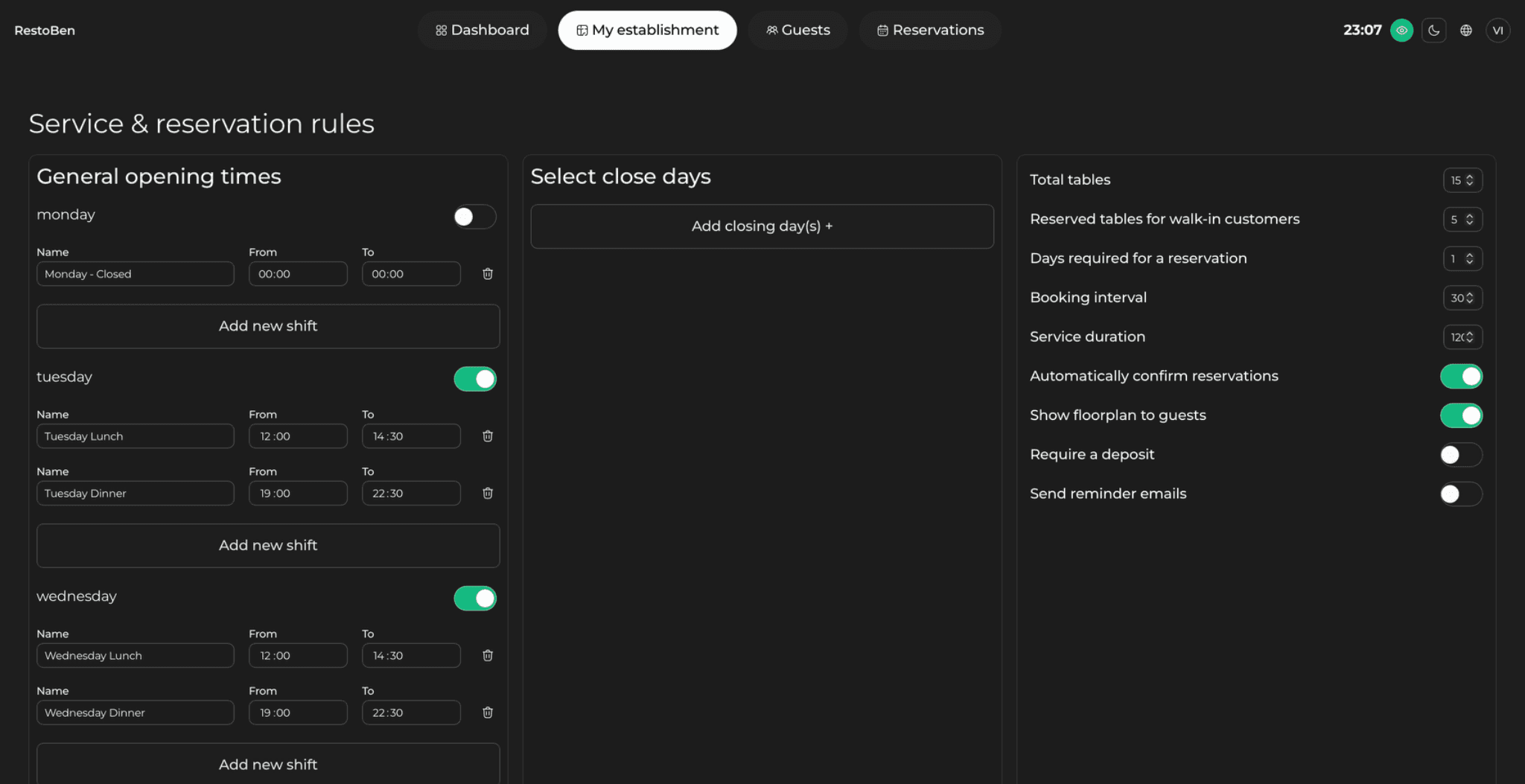
When a guest chooses a party size and date, the system checks service hours, booking duration, pacing limits and eligible tables. It returns only times that fit those rules. Good availability engines recalculate instantly when a booking is created, moved or cancelled.
02
From booking to service
The booking enters the service diary and can be assigned automatically or placed on an appropriate table. Confirmations, reminders and deposit requests are triggered from the booking status. On arrival, the host marks the party seated; the table then moves through service until it becomes available again.
System logic map
What happens between a search and a seated guest
Each status change should update inventory, communication and the host view without creating a second manual record.
| Trigger | System decision | Visible result |
|---|---|---|
| Guest searches | Check hours, pace, duration and eligible tables | Only valid times appear |
| Guest confirms | Reserve inventory and create guest record | Booking enters the diary |
| Booking changes | Recalculate table and message rules | Team and guest see the revision |
| Guest cancels | Release inventory and apply policy | Slot becomes sellable again |
| Party is seated | Start the operational table state | Host can plan the next turn |
03
The guest record
Contact details, visit history, preferences and notes can be attached to one profile. This helps staff recognise returning guests without relying on memory. Access should be permissioned so each role sees only what it needs during booking and service.
04
Where integrations fit
Website widgets collect direct bookings, payment providers process deposits, point-of-sale connections can enrich spend data, and messaging services deliver reminders. Ask which connections are native, which use third parties and which data remains exportable.
Venue-specific application
A realistic operator example
A party of four searches for 20:00. The availability engine checks opening hours, booking interval, expected duration, arrival pacing and eligible table combinations. If assigning table 12 would destroy the only six-person combination later in the service, the engine may offer 19:45 or 20:15 instead. Once the guest confirms, that inventory is reserved, a message is triggered and the host sees the booking in the live diary. A cancellation should reverse those steps immediately so the released time can be sold again.
- Draw the path from availability search to seated status
- List every rule that changes the times shown
- Identify the system of record for guest data
- Document each automated message trigger
- Test cancellation and refund paths
- Confirm how integrations recover from failure
What to measure
Signals that belong in this review
Next operational step
Use the relevant UpSalt workflows
- Availability is calculated from rules and live inventory
- Booking status drives messages and operations
- Integrations should not prevent data portability