In summary
What you need to know
Evaluate maps, real-time availability, payments and arrival tools for beaches and pools.
- Make mobile selection easy
- Test operational exceptions
- Connect payments to clear entitlements
- Best for
- Hospitality operators reviewing private beaches
- Reading time
- 4 min read
- Last reviewed
- 2 August 2026
Share this guide
A sunbed booking system should help guests understand what they are choosing and help staff control live inventory. The most important test is whether the digital map matches daily operations.
01
Guest selection
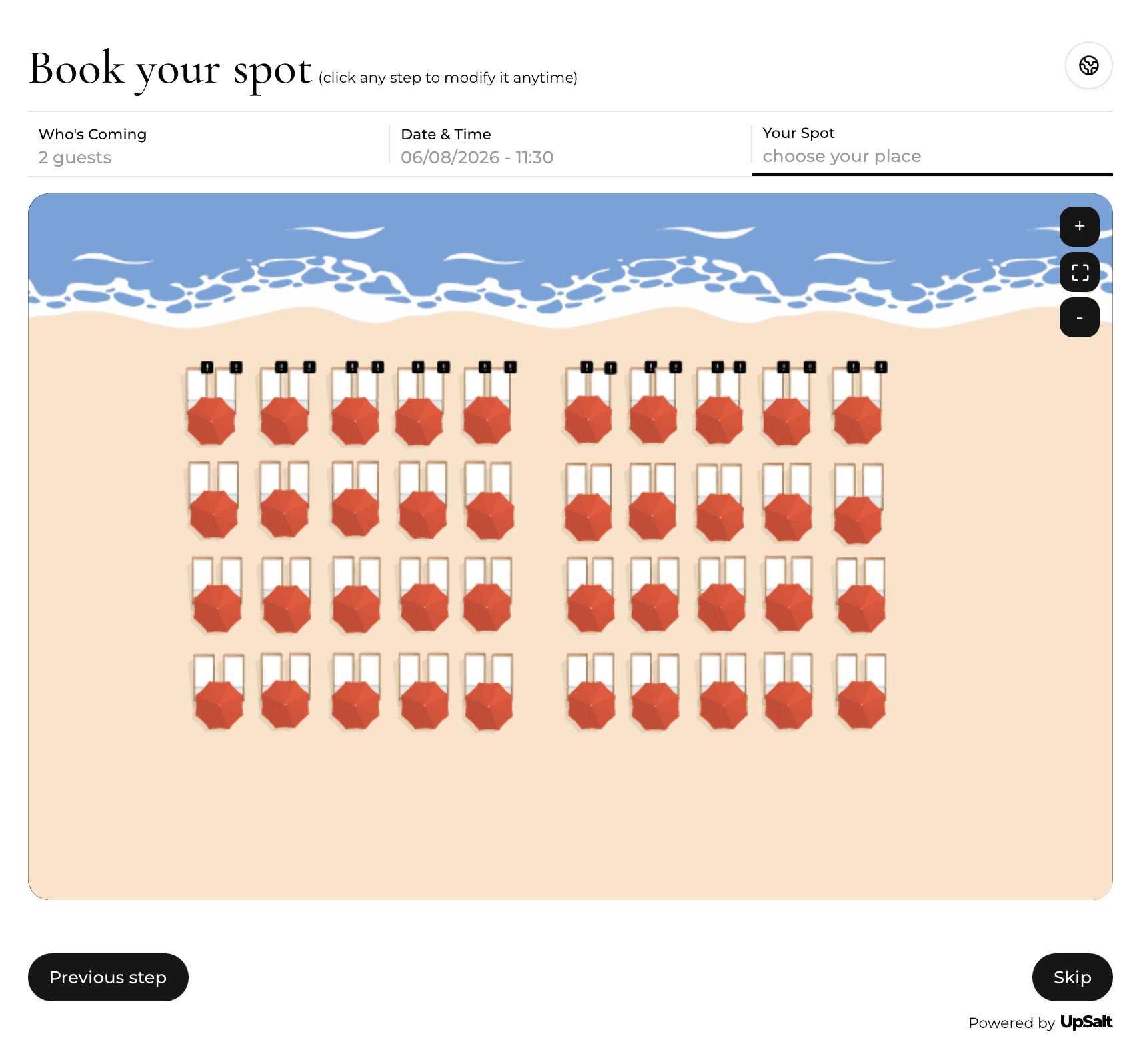
Guests should see available dates, sessions, zones and bed types clearly on mobile. If exact-position selection is offered, the map must communicate orientation and differences without creating false precision.
02
Inventory control
Staff need to block beds, create combinations, move reservations and release cancelled inventory instantly. Test partial closures and last-minute layout changes.
Sunbed acceptance test
Run the four changes that expose inventory errors
A map is ready only when staff can change live inventory without creating conflicts.
| Action | Expected system behaviour | Physical check |
|---|---|---|
| Book a pair | Both linked units become unavailable | Labels match the beach |
| Move after arrival | Guest and payment remain attached | Attendant sees new unit |
| Block damage | Unit closes across every channel | Reason is visible to staff |
| Close a zone | Affected inventory and messages update | Other zones stay open |
03
Payments and packages
Support deposits, full prepayment, minimum spend and extras with clear receipts and refund handling. Confirm whether payment fees and settlement reports are transparent.
04
Implementation test
Load one real day, including complimentary bookings, walk-ins, groups and weather changes. Ask frontline staff to complete arrival and reassignment tasks on their normal devices.
Venue-specific application
A realistic operator example
A 120-bed venue numbers each sunbed, marks fixed pairs and records which units are shaded, accessible or attached to a cabana. The online journey offers zones first, then specific units only where the venue wants guest choice. During testing, staff create a booking, move it after arrival, block a damaged unit and close a zone for weather, all without creating conflicting inventory.
- Create a single physical inventory register
- Define pairs, groups and non-sellable buffers
- Label accessibility and shade accurately
- Test blocks and maintenance closures
- Decide whether guests choose zone or exact unit
- Verify the check-in view on mobile devices
What to measure
Signals that belong in this review
Next operational step
Use the relevant UpSalt workflows
- Make mobile selection easy
- Test operational exceptions
- Connect payments to clear entitlements