In summary
What you need to know
Configure bookable times without overloading the room, kitchen or team.
- Model duration by real service type
- Pace arrivals with kitchen input
- Use dated exceptions instead of manual blocks
- Best for
- Hospitality operators reviewing table management
- Reading time
- 4 min read
- Last reviewed
- 5 August 2026
Share this guide
Availability rules translate operational capacity into the times guests can book. The best rules protect service while exposing as much sellable inventory as possible.
01
Set service foundations
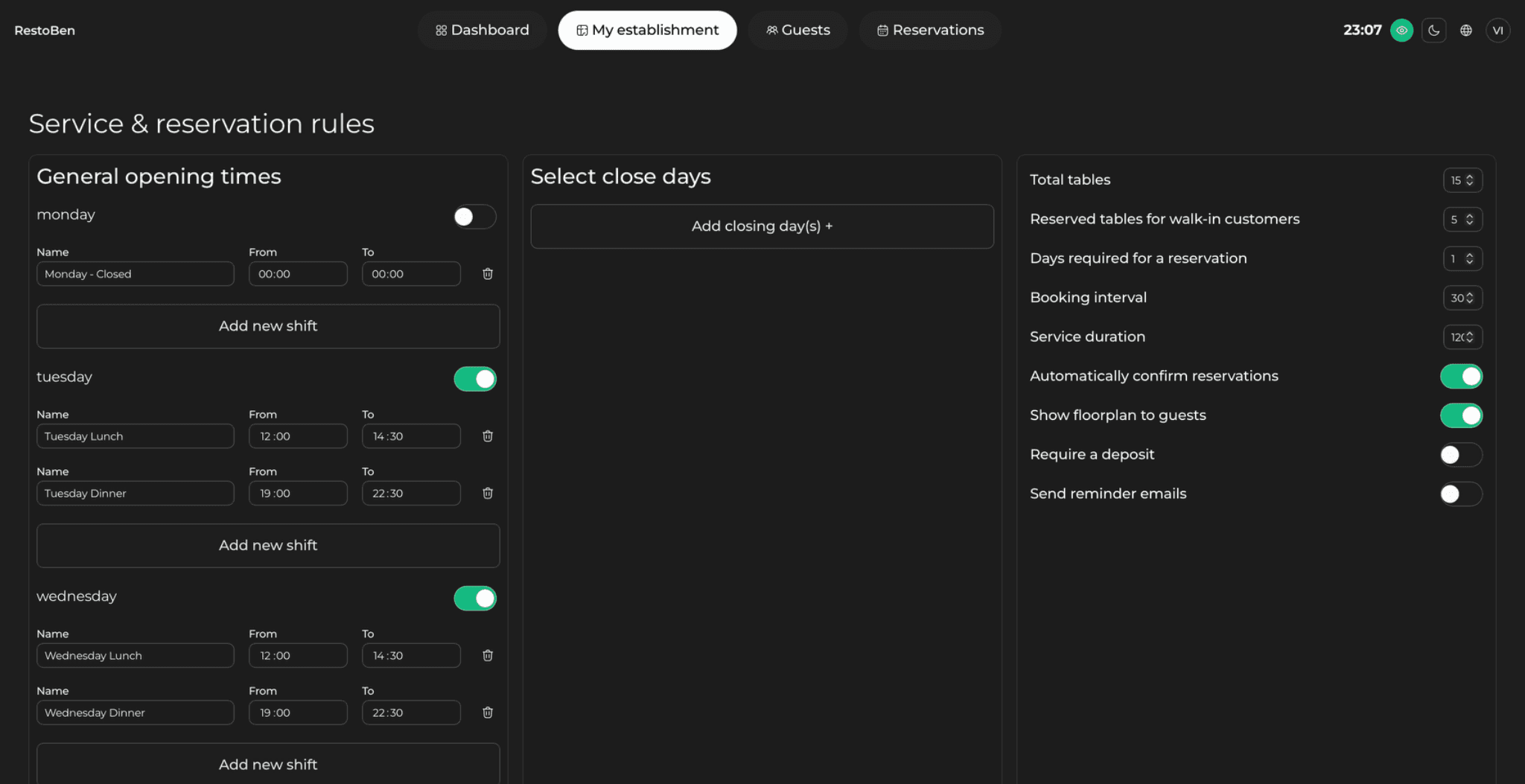
Define opening times, booking intervals, lead time, maximum advance window and duration by party size or experience. Account for preparation and reset where relevant.
02
Control arrival pacing
Limit covers or bookings per interval based on kitchen and service capacity. Use different pacing for menu formats and staffing levels. Review actual arrivals because guests rarely appear at perfectly even times.
Availability preview
Test the edges before publishing a service
Search as a guest across party sizes and lead times, including the first and last slot.
| Test case | Expected result | Rule being checked |
|---|---|---|
| 2 guests at opening | First valid arrival appears | Lead time and interval |
| 6 guests at peak | Only valid combinations appear | Table protection |
| Late same-day search | Cutoff is applied consistently | Booking notice |
| Holiday date | Dated service overrides normal hours | Exception priority |
03
Protect inventory
Set table eligibility, combinations and area restrictions. Avoid selling a large table to a small party when it blocks likely demand, but allow manager overrides for context.
04
Use exceptions cleanly
Events, holidays and seasonal schedules should override normal rules with dated configurations. Keep an audit trail and preview guest availability before publishing.
05
Procurement and operating depth
Preview rules from the guest side before publishing. Search across several party sizes, devices and lead times, including the first and last bookable slots. Confirm that event overrides, area closures and duration rules produce understandable options. Keep screenshots or a signed configuration summary for high-risk dates so managers can verify what was intended when an availability dispute appears.
Venue-specific application
A realistic operator example
A kitchen can accept 24 covers every 15 minutes at lunch, but the default booking setup exposes 36. Instead of blocking 12:30 entirely, the venue sets a cover cap, varies duration for large parties and protects a table combination for six. It previews availability for two, four and six guests across the service, then compares actual arrivals with the planned pacing after launch.
- Set service hours and booking intervals
- Model duration by party size or experience
- Agree interval capacity with operations
- Configure tables and combinations
- Create dated holiday and event exceptions
- Preview availability for representative party sizes
What to measure
Signals that belong in this review
Next operational step
Use the relevant UpSalt workflows
- Model duration by real service type
- Pace arrivals with kitchen input
- Use dated exceptions instead of manual blocks