In summary
What you need to know
Design minimum-spend rules for sunbeds, cabanas and premium zones without confusing guests.
- Centralise rules
- Show commitment and credit separately
- Optimise thresholds with zone-level data
- Best for
- Hospitality operators reviewing private beaches
- Reading time
- 4 min read
- Last reviewed
- 2 August 2026
Share this guide
At a beach club, minimum spend often combines access to desirable inventory with food and beverage credit. The system must keep the promise understandable from booking through checkout.
01
Build rule dimensions
Set minimums by inventory type, zone, date, session and party capacity. Avoid maintaining rules in disconnected spreadsheets. Seasonal and event overrides should have clear start and end dates.
02
Show the guest the maths
State the total commitment, amount due now, remaining credit and what qualifies toward it. Explain whether service charges, taxes and extras count. Confirmation should repeat the same numbers.
Spend reconciliation
Define what counts before the guest arrives
The booking promise, point-of-sale checks and departure conversation must use the same eligible-spend rules.
| Charge type | Counts toward minimum | Required record |
|---|---|---|
| Prepaid package | Yes, when stated in terms | Booking payment |
| Food and beverage | Yes, for eligible outlets | Linked checks |
| Third-party activity | Only if explicitly included | Supplier reference |
| Tips and service charge | Set a clear venue rule | Final bill breakdown |
03
Give staff one source of truth
Arrival and service teams need the booking value, inclusions, payments and balance without manual searching. Record authorised adjustments and transfers.
04
Analyse performance
Compare occupancy, achieved spend, unused credit, cancellation and conversion by zone. Use the findings to refine thresholds rather than simply raising them each season.
05
Procurement and operating depth
Integrating spend progress can be harder than setting the rule. Define which point-of-sale checks, room charges or prepaid items count, how separate bills are combined and when the value is final. Staff should not rely on mental arithmetic across systems. If real-time integration is unavailable, choose a documented manual checkpoint and make one role accountable for resolving discrepancies before departure.
Venue-specific application
A realistic operator example
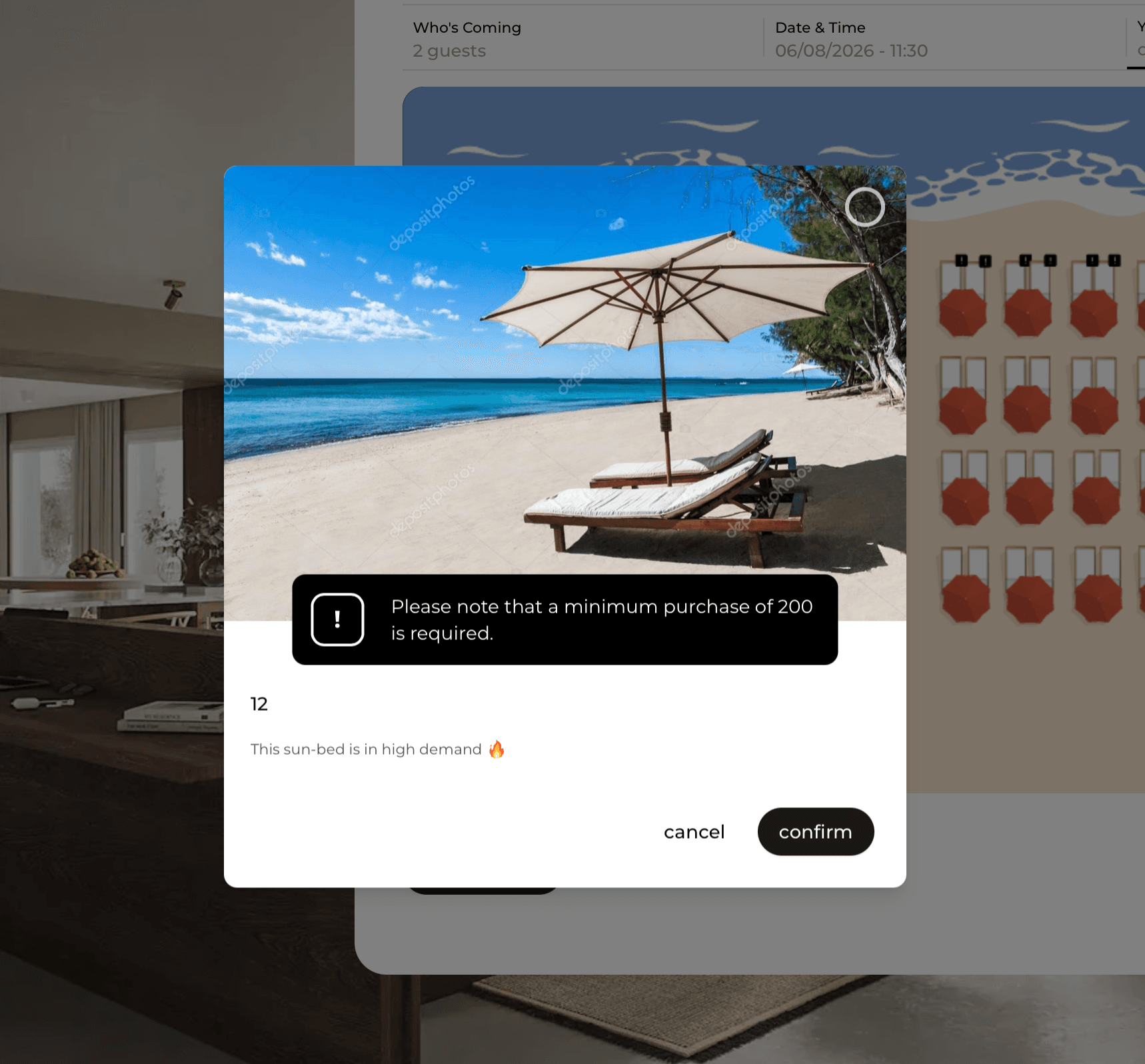
A front-row pair of sunbeds carries a €200 minimum spend that includes food and beverage but excludes the rental fee. The guest sees this distinction before payment. On site, staff can view progress against the commitment without exposing unnecessary payment data. At closing, the manager reviews average eligible spend, shortfalls, exceptions and booking conversion by zone before changing the threshold.
- Define whether rental counts toward the commitment
- State the rule before checkout
- Track eligible spend from the correct systems
- Give staff a clear shortfall script
- Document weather-related exceptions
- Compare results by zone and day type
What to measure
Signals that belong in this review
Next operational step
Use the relevant UpSalt workflows
- Centralise rules
- Show commitment and credit separately
- Optimise thresholds with zone-level data