In summary
What you need to know
Improve mobile booking completion with clearer availability, policies and interaction design.
- Optimise for mobile speed
- Turn unavailable searches into alternatives
- Measure each booking step
- Best for
- Hospitality operators reviewing direct booking
- Reading time
- 4 min read
- Last reviewed
- 3 August 2026
Share this guide
A booking widget is often the highest-intent part of a restaurant website. Small usability problems, slow loading, unclear times or surprise terms, can turn ready-to-book guests away.
01
Start with speed and mobile
The widget should open quickly, fit the viewport and accept touch input comfortably. Keep date, party size and time visible in a logical order. Avoid unnecessary animation during essential steps.
02
Handle unavailable demand
When the requested time is unavailable, suggest nearby times, another area or the waitlist. A dead end wastes demand the venue may still be able to serve.
Booking funnel
Diagnose the step where ready-to-book guests leave
Measure valid journeys step by step before removing fields or changing policy presentation.
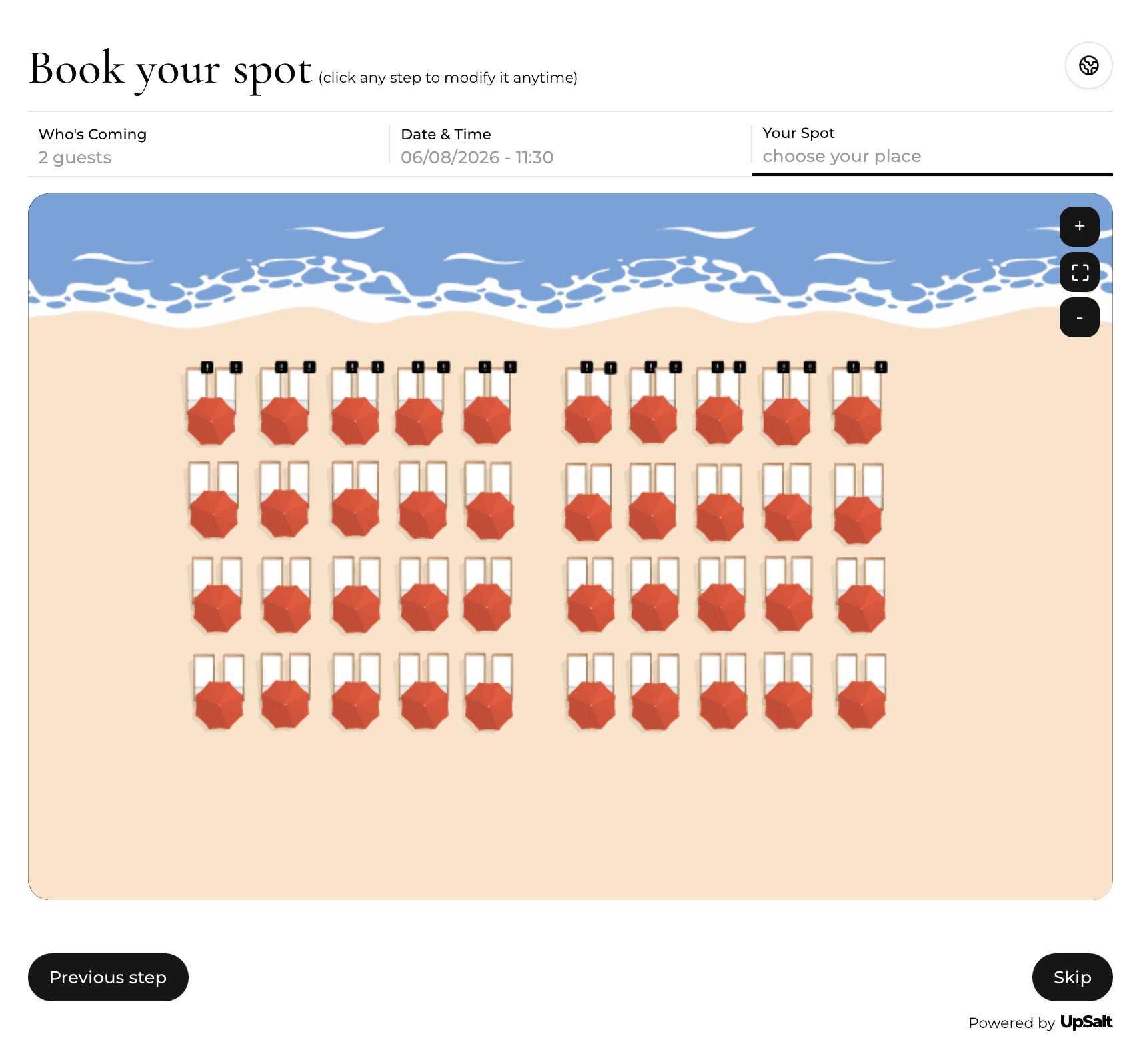
| Step | Example volume | Question to answer |
|---|---|---|
| Booking opened | 2,000 | Is the page fast and clearly branded? |
| Availability shown | 1,720 | Are suitable times understandable? |
| Details completed | 1,280 | Are requested fields necessary? |
| Booking confirmed | 1,100 | Were terms and errors handled clearly? |
03
Reduce form friction
Ask only for information needed to manage the booking. Explain why optional preferences are useful. Keep validation specific and preserve entered information after an error.
04
Measure the funnel
Track widget open, search, available result, details step and confirmation. Segment by device, source and venue, and test one meaningful change at a time.
Venue-specific application
A realistic operator example
A mobile booking journey receives 2,000 starts and 1,100 confirmations, a 55% completion rate. Step data shows the largest exit occurs when guests must create an account before seeing final availability. The restaurant tests a guest checkout, keeps policy acknowledgement beside the confirmation action and checks keyboard navigation. The result is judged on completed valid bookings and support contacts, not a shorter flow alone.
- Measure every step from start to confirmation
- Show availability before asking for unnecessary data
- Keep price and policy information close to the action
- Support keyboard and mobile use
- Preserve entered data after validation errors
- Test performance on a typical mobile connection
What to measure
Signals that belong in this review
Next operational step
Use the relevant UpSalt workflows
- Optimise for mobile speed
- Turn unavailable searches into alternatives
- Measure each booking step